The automatic inventory management makes an automated order possible. The Purchase order assistant in the “Purchasing” module examines all final order confirmations with the current inventory and determines whether and how much of the necessary items must be ordered. One condition is that the items in the catalog are characterized as “Purchase Order” or during order-related procurement as “Order filling”.
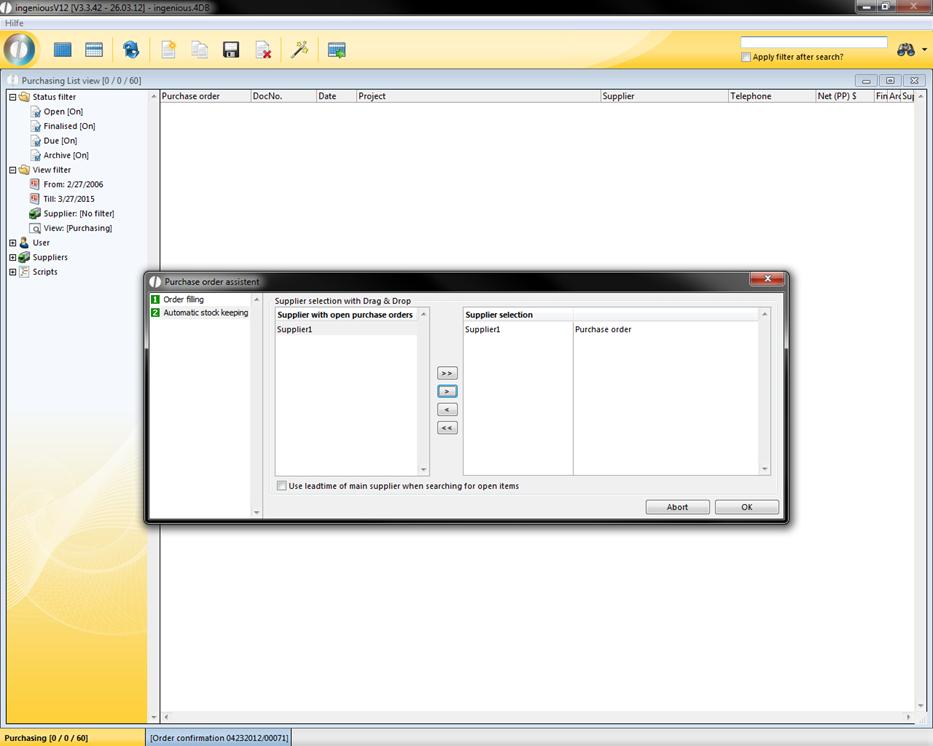
You can open the order assistant with the menu: Orders or with the  button. The order assistant extracts the item parameters according to which supplier the job should be given. A selection of all suppliers who are available for the orders appears. With the
  ,
,  ,
,  and
and  buttons, the desired orders can be selected and merged into an order by clicking on “OK”. The condition is that the items are listed in the catalog as “Order items” or respectively as “Order Consignment” with related orders.
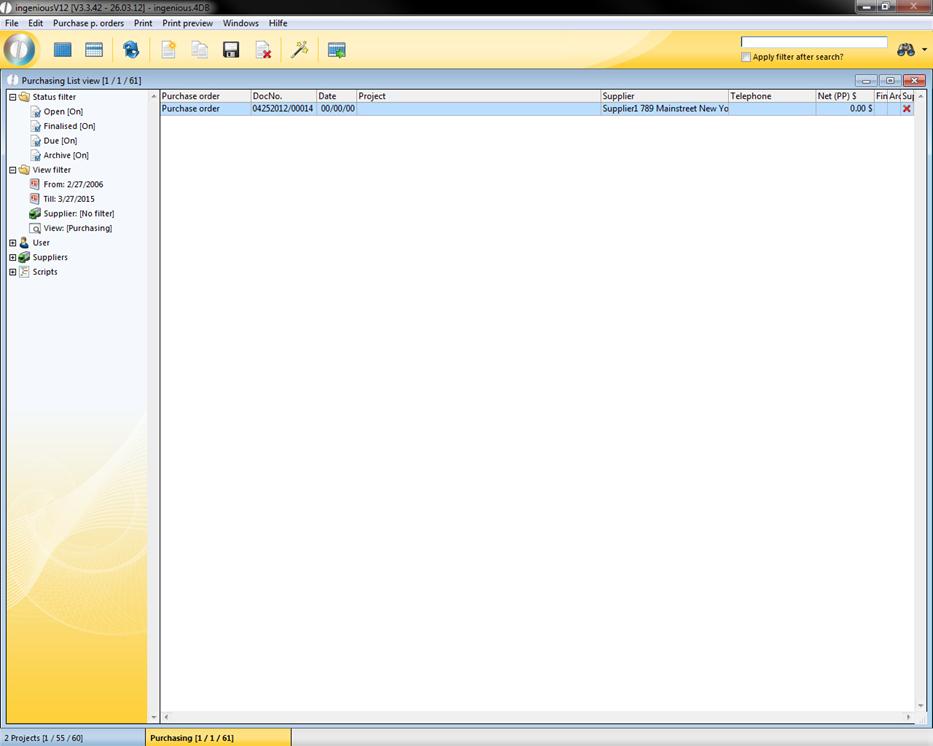
After confirming on “OK”, all orders are made. They are now indicated in the list view and can be edited individually. After the selection of the individual orders, you can examine the items and add the header and footer texts. If necessary, you can correct the prices and add additional items.
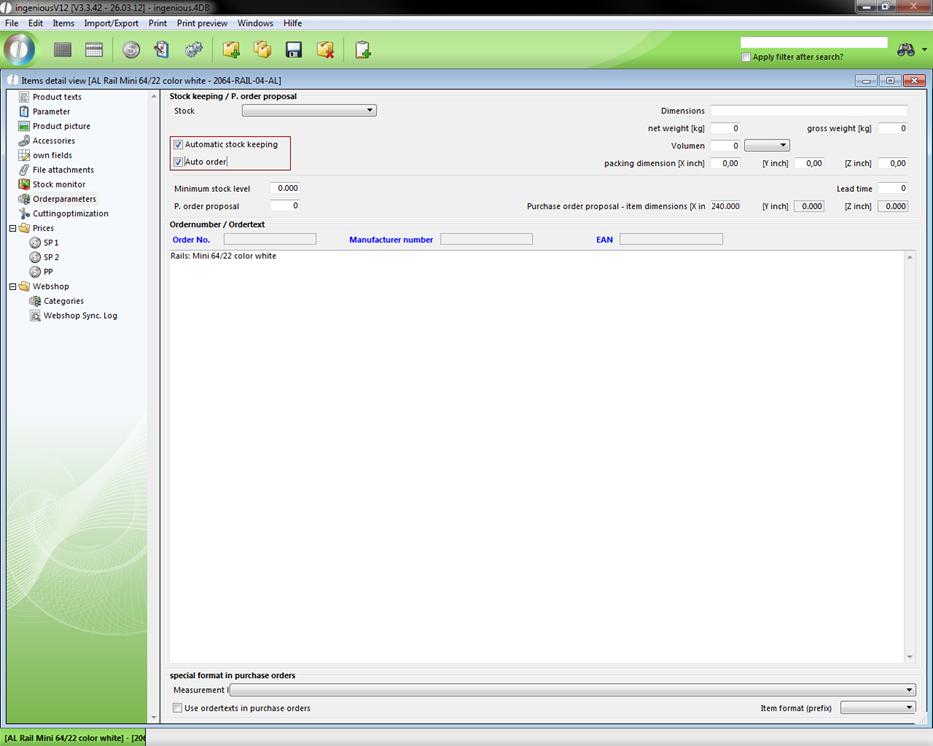
In the automatic inventory management, you will find a list of all suppliers with outstanding orders. The condition is that the respective items are activated in the “Order Parameter” column for automatic warehouse management and automatic orders.
Under the supplier assignment, the items with several suppliers are indicated.
Multi suppliers
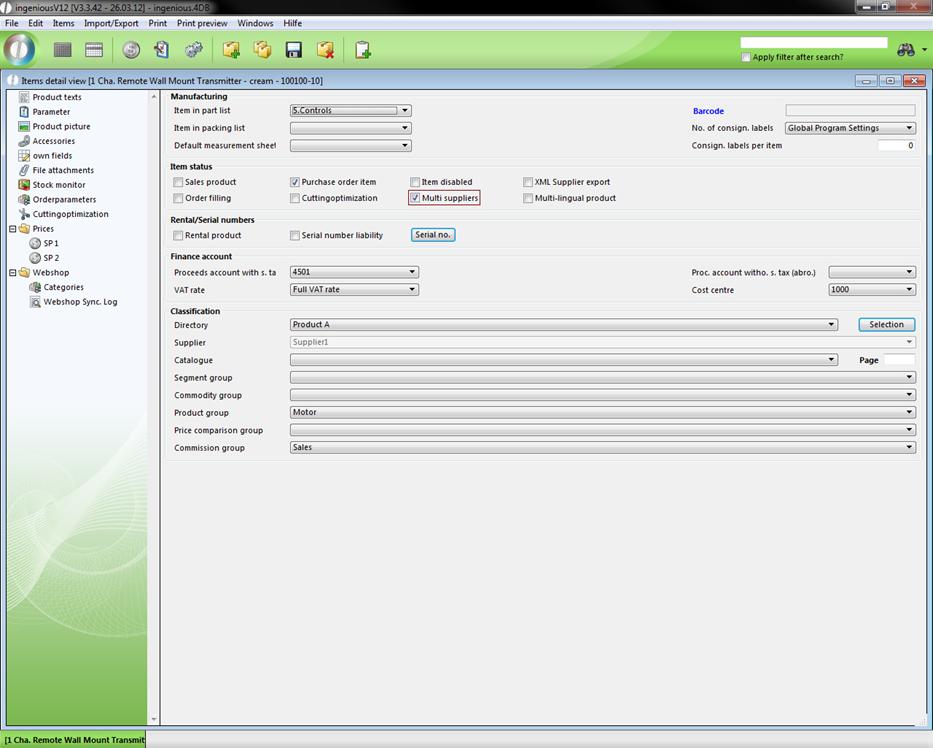
When a company obtains items from multiple suppliers, this can be mentioned at the item in multi suppliers in ingenious.V12. You just have to check the field “multi suppliers” in the parameter category (Vgl. Kap. 4.2.2.2).
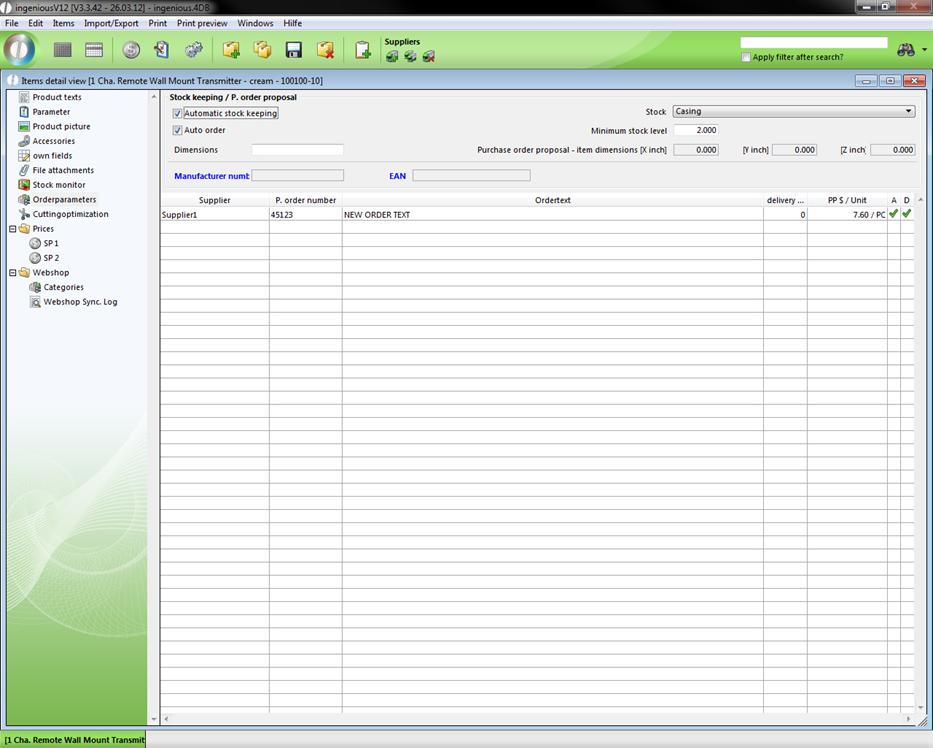
Now the purchase price can be found in the category “order parameter” and there is also displayed automatically the default supplier.
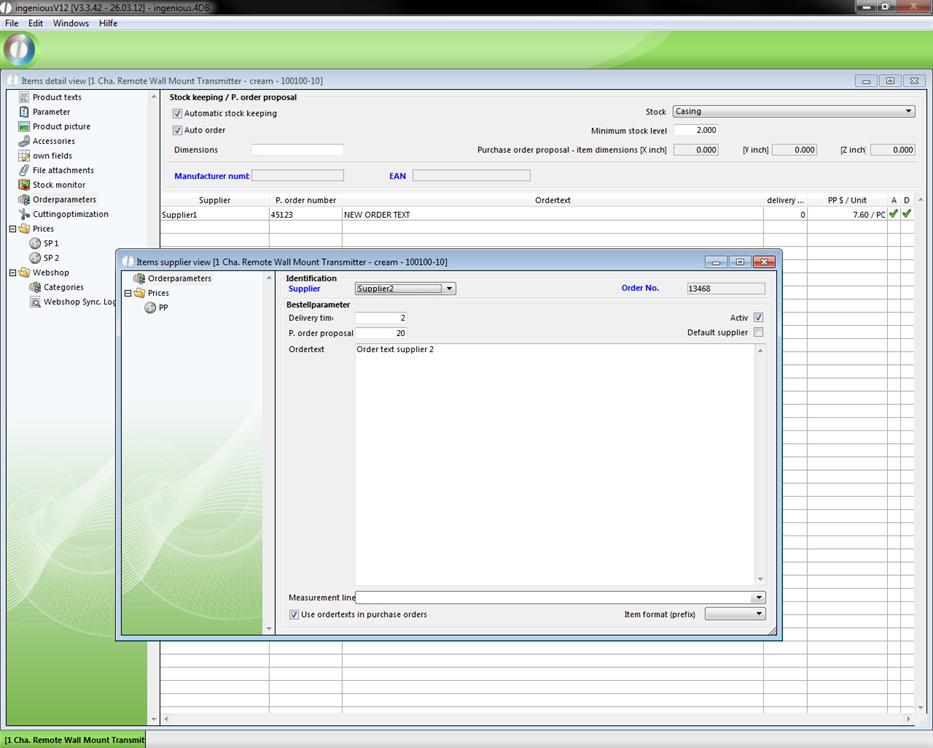
With the help of the button  a new supplier can be added. In order to do this you only have to choose the desired supplier and set the order number, the delivery time in days, the purchase order proposal, the individual order text and the measurement line.
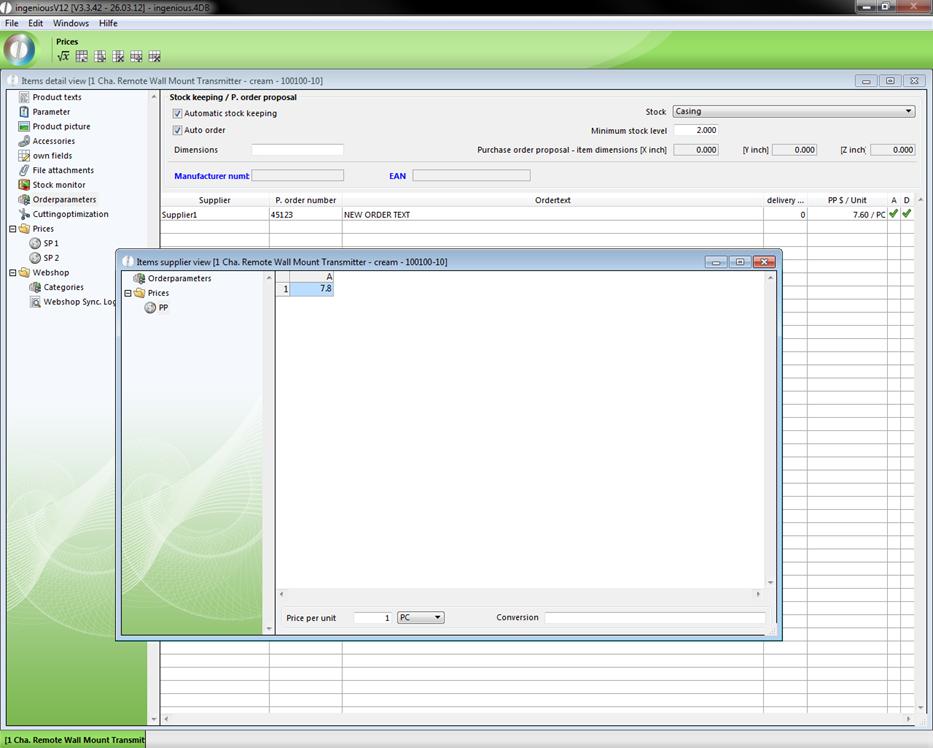
In addition you lodge in prices the purchase price for the item according to this supplier.
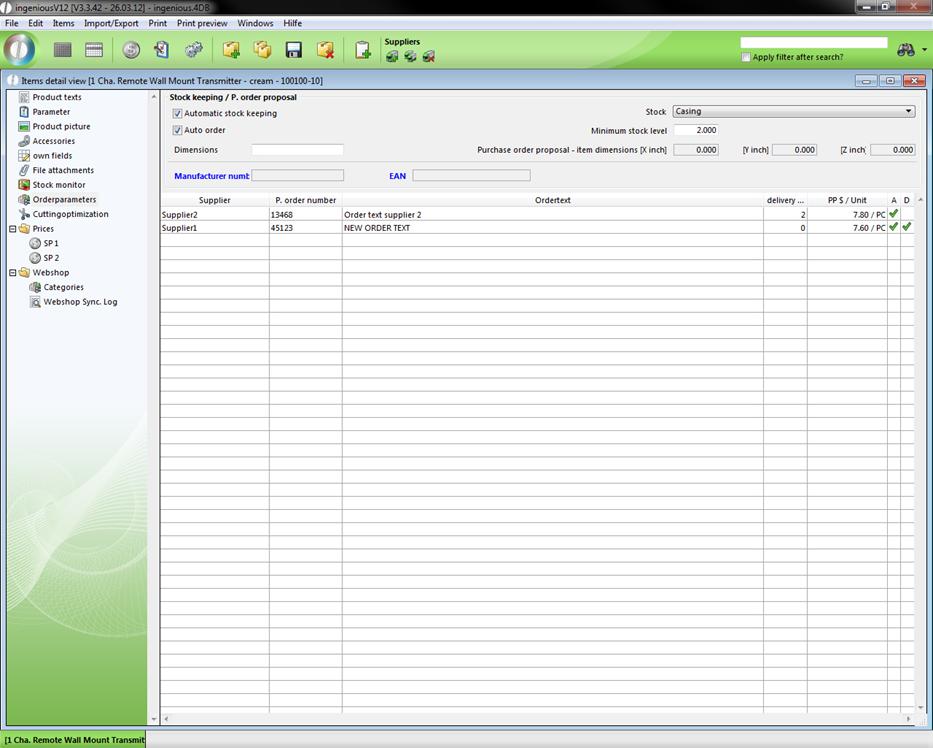
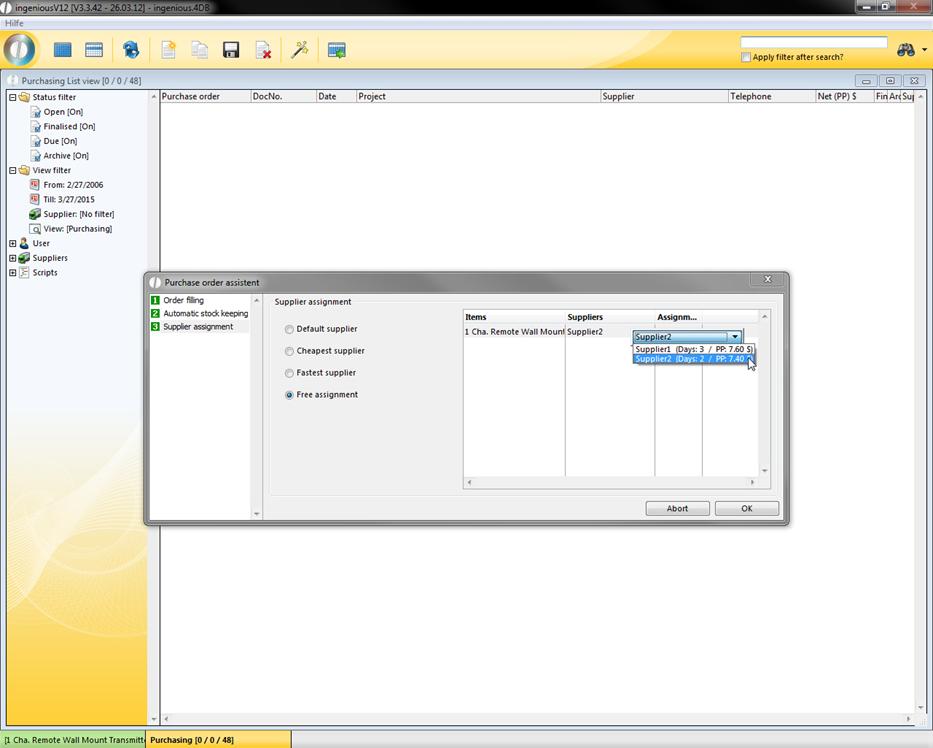
For example, this feature is really helpful for the purchase order assistant in the “Purchasing” module, where you can choose from the created suppliers (condition: “automatic stock keeping” of the item), like in the following example.
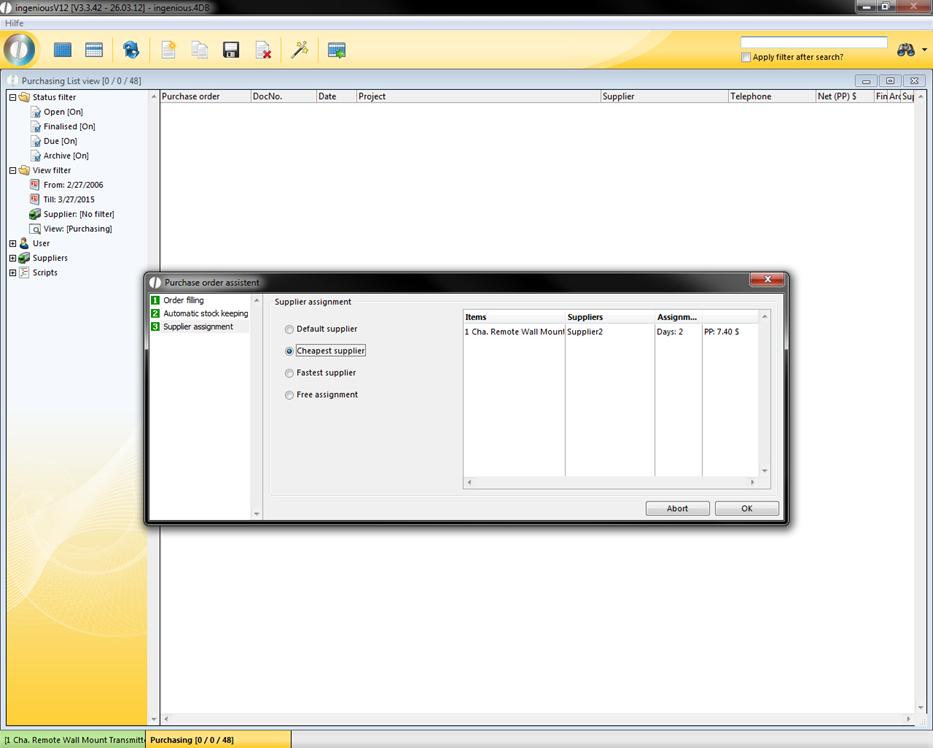
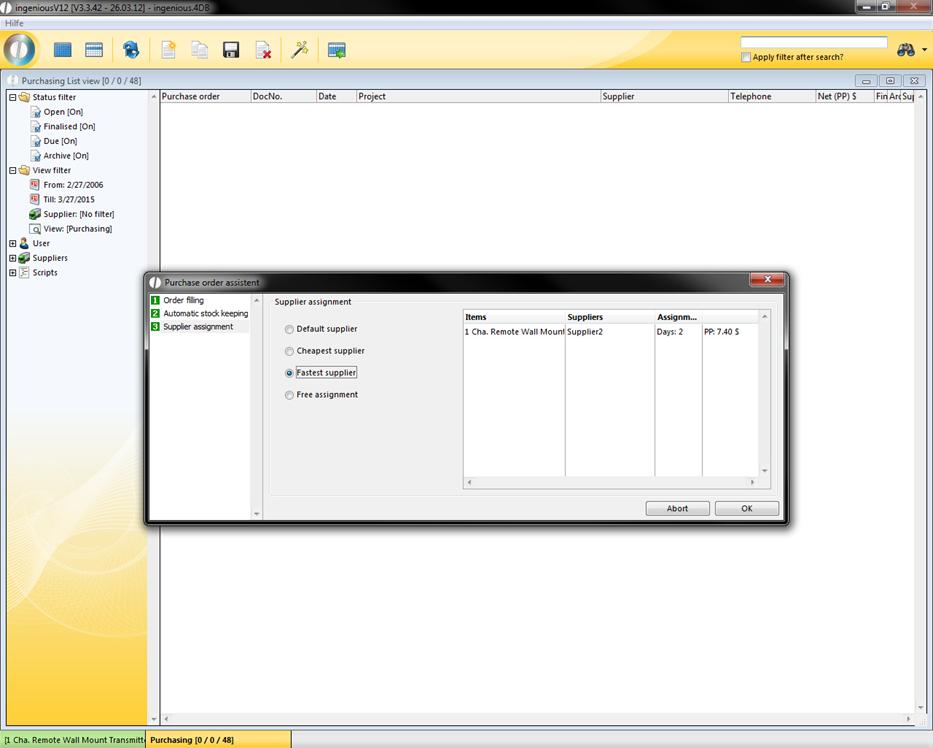
If you select “free assignment” you can choose between all created suppliers by double clicking the line.